Securing Counseling Session Recordings: Encryption and Deletion Rules That Protect Client Confidentiality
A practical security protocol for encrypting, storing, and permanently deleting counseling session recordings—plus smarter AI-assisted workflows that reduce human error.
Key takeaway
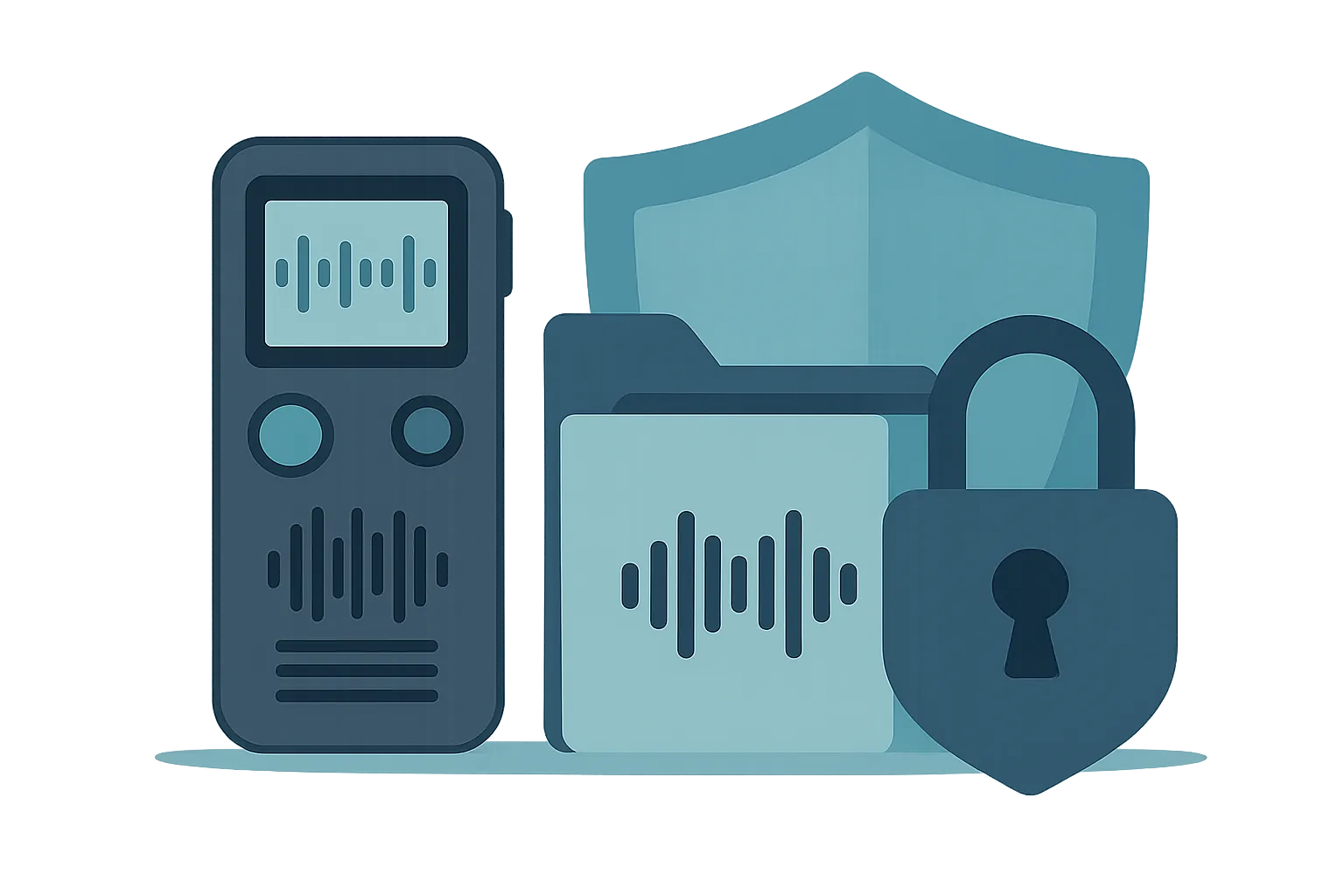
Session recordings hold some of the most sensitive client data a clinician handles—trauma history, family dynamics, sexual orientation—and most breaches trace back to a brief lapse rather than a sophisticated attack. The three core risks are physical loss, cyber theft, and incomplete deletion. A reliable three-step protocol counters them: apply AES-256 encrypted compression the moment a file is created, enable full-disk encryption (BitLocker or FileVault), and use a secure file-shredding tool that makes deleted files unrecoverable.
The Quiet Liability on Every Clinician's Hard Drive
Have you ever dropped a voice recorder into your bag after a session and felt a small jolt of dread—what if I lose this? Or hunted for a USB drive holding a transcript you were preparing for supervision, only to realize you couldn't remember where you'd left it?
Session recording is one of the most valuable tools we have for professional growth. It lets us catch the subtle shifts in a client's affect, review our own interventions with some objectivity, and bring accurate material to supervision. But the same file that helps us serve clients can quietly become a liability the moment it's handled carelessly. A recording that captures someone's most guarded disclosures is, in the wrong hands, exactly the kind of data that does the most harm when exposed.
As our work has moved onto laptops, phones, and cloud drives, the ethical duty of confidentiality has expanded well beyond the four walls of the consulting room. Good intentions aren't the standard anymore—how we handle data is now part of what it means to practice competently and ethically. This piece skips the dense IT jargon and focuses on practical encryption and deletion habits any clinician can put in place this week.
Why Session Recordings Are Riskier Than Ordinary Files
Many clinicians record a session and then "temporarily" park the file on the desktop or in a general-purpose cloud account (Google Drive, Dropbox). The logic—I'll write the transcript and delete it right away—feels reasonable. But the majority of data-loss incidents don't come from elaborate hacks; they come from these small, ordinary lapses.
A session recording is not just identifying information. It is a dense concentration of sensitive data: trauma, family relationships, sexual orientation, health history. Under privacy frameworks like HIPAA (US) and GDPR (EU/UK), this category carries the highest level of legal protection—and the steepest penalties for mishandling. The risks fall into three buckets:
- Physical loss — a recorder, USB drive, or laptop that's misplaced or stolen.
- Cyber theft — interception through a poorly secured cloud account or an unencrypted email attachment.
- Incomplete deletion — files "emptied" from the trash that recovery software brings back to life.
This matters most for clinicians in solo or small-group practice, who rarely have the enterprise security infrastructure a hospital does. Personal habits become the whole defense. Use the table below to gauge how exposed your current workflow really is.
| Storage method | Convenience | Risk level | Clinical recommendation |
|---|---|---|---|
| On the recorder / phone | High | Very high (instant exposure if lost) | Transfer to a secured computer immediately, then permanently delete from the device |
| Plain folder on a computer | High | High (malware, shared-machine access) | Store only as a password-protected, encrypted archive |
| General cloud / email | Very high | Medium–high (account compromise) | Require two-factor auth and encrypt the file itself |
| Encrypted secure storage | Medium | Very low (safe) | Recommended (BitLocker, FileVault, etc.) |
Table 1. Risk comparison and recommendations by storage method.
A Three-Step Security Protocol You Can Use Today
How do you keep files safe without adding hours to an already full schedule? The following three-step routine needs no specialized software, and once it becomes habit, much of the low-grade ethical anxiety around recordings simply goes away.
Step 1: Encrypt-and-compress the moment the file exists
The simplest, strongest first move is to turn a new recording into a password-protected archive right away. Most compression tools—7-Zip, WinRAR, and others—offer encryption, and the key is to choose AES-256, one of the strongest encryption standards in everyday use, rather than a tool's weaker legacy ZIP cipher.
- File naming: Never put a client's real name in the filename. Use a private code you alone can decode, such as
240520_Case_A_Session3. - Passwords: Avoid a client's date of birth or phone number. Set a single, distinctive master key that's yours alone.
Step 2: Turn on full-disk encryption (BitLocker / FileVault)
If you ever work on a laptop in a café or other public space, enable full-disk encryption: BitLocker on Windows, FileVault on macOS. Even if the laptop is stolen and someone physically removes the drive, the contents stay unreadable without the key. This isn't optional—think of it as your digital body armor.
Step 3: Use a secure-deletion (file-shredding) tool
"Emptying the trash" doesn't erase data; it only erases the pointer to where the data lives, which is why recovery software can resurrect it so easily. Once a case closes or a transcript is finished, run the file through a dedicated file shredder, which overwrites the data with meaningless values and makes recovery effectively impossible.
Balancing Efficiency and Security in Transcription and Supervision
The two moments clinicians lean on recordings most are transcription and supervision prep—and both are where files sit exposed the longest. Transcribing a single 60-minute session by hand typically takes three to four hours, during which the file lingers on the machine. A few strategies close that window:
- Set a lifecycle for every recording. Decide at creation when the file will die—delete the original immediately after transcription, or delete within 24 hours of supervision. Spelling this policy out, even in your informed-consent document, both protects the data and earns client trust.
- Always use earphones when reviewing audio. In an open café or shared office, pair a privacy screen filter with earphones that don't leak sound. Auditory leakage—someone overhearing a session—is a surprisingly common breach.
- Secure the transfer channel. When sending a recording or transcript to a supervisor, avoid unencrypted messaging apps and plain email. Send an encrypted archive and deliver the password through a separate channel (a text message, for instance)—a simple two-channel approach that dramatically lowers interception risk.
A Forward-Looking Alternative for the Modern Clinician
To cut both the security burden and the administrative drag, more practices are adopting AI-assisted documentation tools. A common worry is that AI must be less secure—but a reputable, compliance-focused service can actually be safer than files scattered across a personal computer.
The better clinical AI platforms apply encrypted transit (TLS/SSL), no-server-retention options that purge audio after processing, and automatic de-identification that masks names and phone numbers. Beyond sparing you the manual cycle of encrypting and shredding every file, this design removes the single largest source of breaches: human error. When you evaluate a tool, confirm it offers a HIPAA Business Associate Agreement (or GDPR-equivalent data-processing terms) and documents where—and for how long—data is stored.
| Traditional manual workflow (self-managed) | Compliance-focused AI documentation | |
|---|---|---|
| Who manages files | The individual clinician (higher error risk) | System automation (enforced security protocol) |
| Where data lives | Local computer / USB (loss risk) | Encrypted cloud with strict access control |
| Time required | 3–4 hours per 60-minute session | A draft in roughly 5–10 minutes |
| Security strength | Physical access control possible | Data fragmentation and de-identification |
Table 2. Traditional record-keeping vs. an AI-based security workflow.
This is the space Modalia AI is built for: a security-first partner for counselors that handles transcription, case conceptualization, and documentation under clinical-grade privacy standards—so the protection happens by design rather than by remembering to do it.
Closing: Security Is an Attitude Toward the Client, Not Just a Technique
The moment we close the consulting-room door, we become the keepers of what a client entrusted to us. Encrypting and deleting recordings isn't merely a legal hedge—it's a basic, fundamental courtesy to someone who opened up because they decided you could be trusted.
Start with something small today:
- Check your desktop right now for a stray recording and securely shred it.
- From your next session, use a code name in the filename instead of a real name.
- If the cycle of transcription and security upkeep has become too much, evaluate a security-certified AI documentation service so you can put your attention back where it belongs—on the work itself.
Only records that are kept safe can become a true asset to a client's healing. Here's to a safer, more efficient practice.
Frequently asked questions
Is it safe to store session recordings in Google Drive or Dropbox?
General-purpose cloud accounts are only as safe as the account itself. If you use them, enable two-factor authentication and—critically—encrypt the file before uploading (an AES-256 password-protected archive), since the file may otherwise be readable to anyone who compromises the account. Confirm the provider's terms meet HIPAA or GDPR requirements for the data you store.
Does emptying the trash permanently delete a recording?
No. Emptying the trash removes the file's location pointer, not the underlying data, so recovery software can often restore it. To delete a session recording for good, use a dedicated file-shredding tool that overwrites the data, making it unrecoverable.
What encryption standard should clinicians use for recordings?
AES-256 is the practical gold standard. Most compression tools such as 7-Zip and WinRAR support it; choose AES-256 rather than the weaker legacy ZIP cipher. Pair file-level encryption with full-disk encryption (BitLocker on Windows, FileVault on macOS) for defense in depth.
How should I send a recording to my supervisor securely?
Avoid unencrypted messaging apps and plain email. Send the file as an encrypted, password-protected archive and deliver the password through a separate channel—for example, a text message. This two-channel approach means a single intercepted message can't expose the contents.
Are AI documentation tools more or less secure than managing files myself?
A reputable, compliance-focused AI service can be safer than scattered personal files because it enforces encryption, retention limits, and automatic de-identification—removing the human error behind most breaches. Verify the vendor offers a HIPAA Business Associate Agreement or GDPR-equivalent terms and documents where and how long data is stored.
This article was written and reviewed using Modalia AI's clinical guidelines, with professional human review before publication.
Related articles
 Clinical Skills
How to Write Better Supervision Questions: Getting What You Actually Need from Your Supervisor
Stuck on what to ask in supervision? Use these structured question strategies to turn vague check-ins into focused clinical insight.
7 min read Clinical Skills
From "The Client Seems Depressed" to a Clinical Hypothesis: How Word Choice Elevates Your Case Reports
Turn vague observations into precise clinical hypotheses. A practical guide to terminology and sentence formulas that make your case reports read like expert work.
7 min read Clinical Skills
The Wounded Healer Trap: Why "I Want to Heal Myself" Sinks Your Counseling Grad School SOP
Why admissions faculty flinch at "I want to heal my own wounds"—and how to transform personal pain into a research-grade statement of purpose that gets you in.
6 min read